
Craftsman CMCS550B Circular Saw Dust Port Adapter and Vacuum Guide
Dust port
We fit it Round port, friction
Our adapter is made for the Craftsman CMCS550B port. It presses on by hand and holds, so there is nothing to clamp or tape.
Get the adapter for this tool. Printed and shipped from $12.99.
- Made in the USAPrinted to order
- PETGTougher than PLA
- Push onNo clamps, no tape
- Print defectWe reprint it
Craftsman V20 Cordless 7-1/4 in. Circular Saw
Specifications
Connect your Craftsman CMCS550B to your shop vac
Pick what you are connecting to. Each one is a finished PETG adapter, sized for both ends, printed to order and made in the USA.
Standard hose & duct sizes
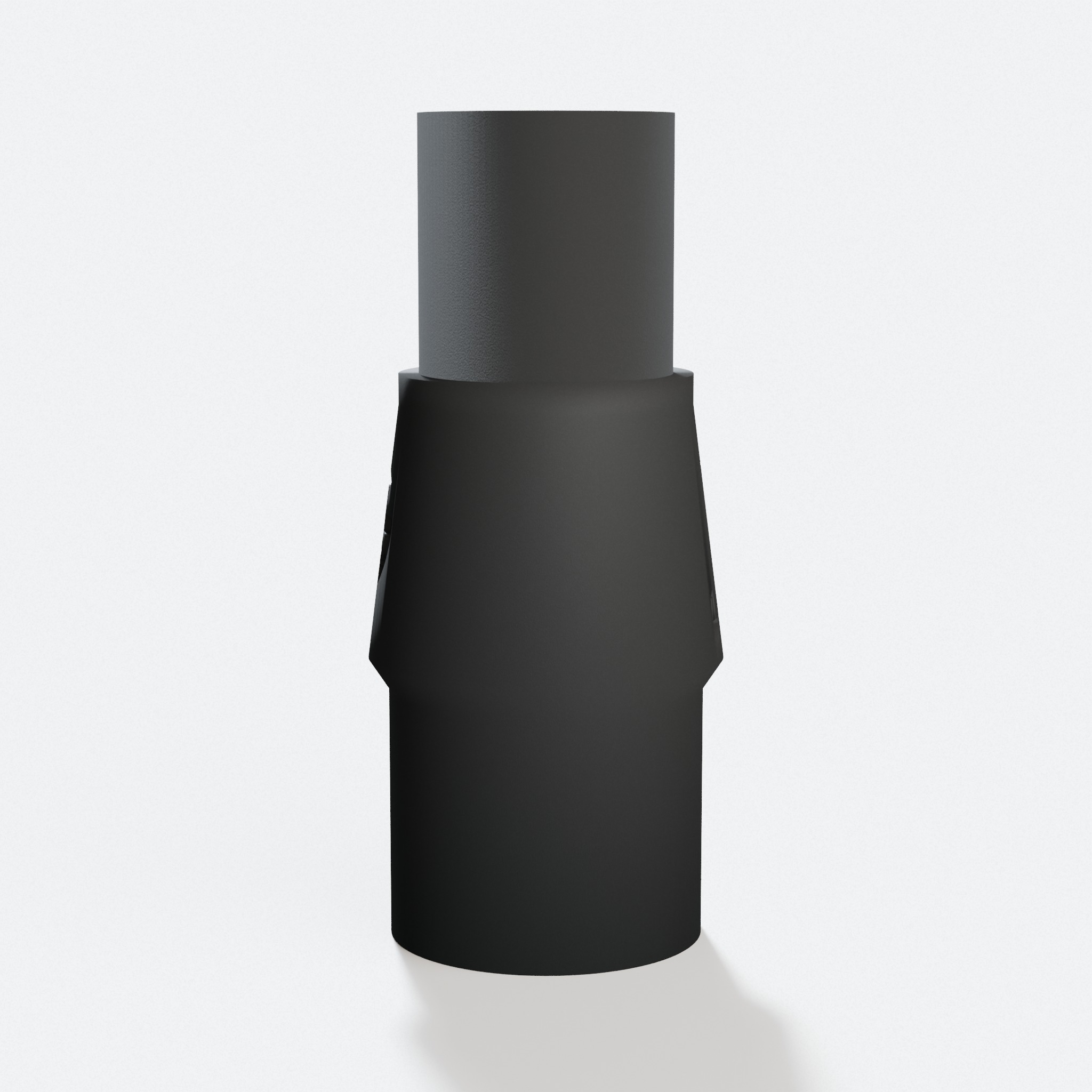
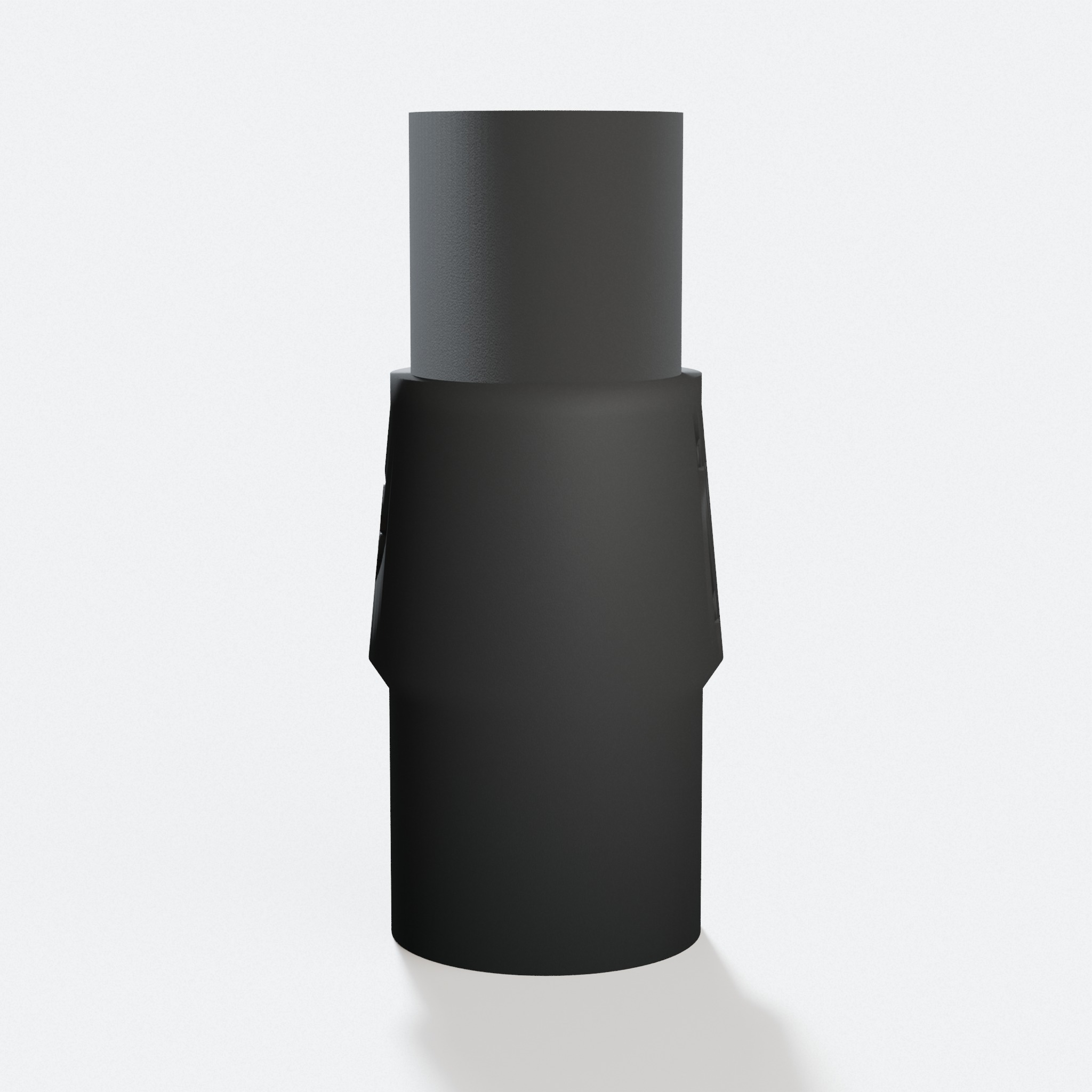
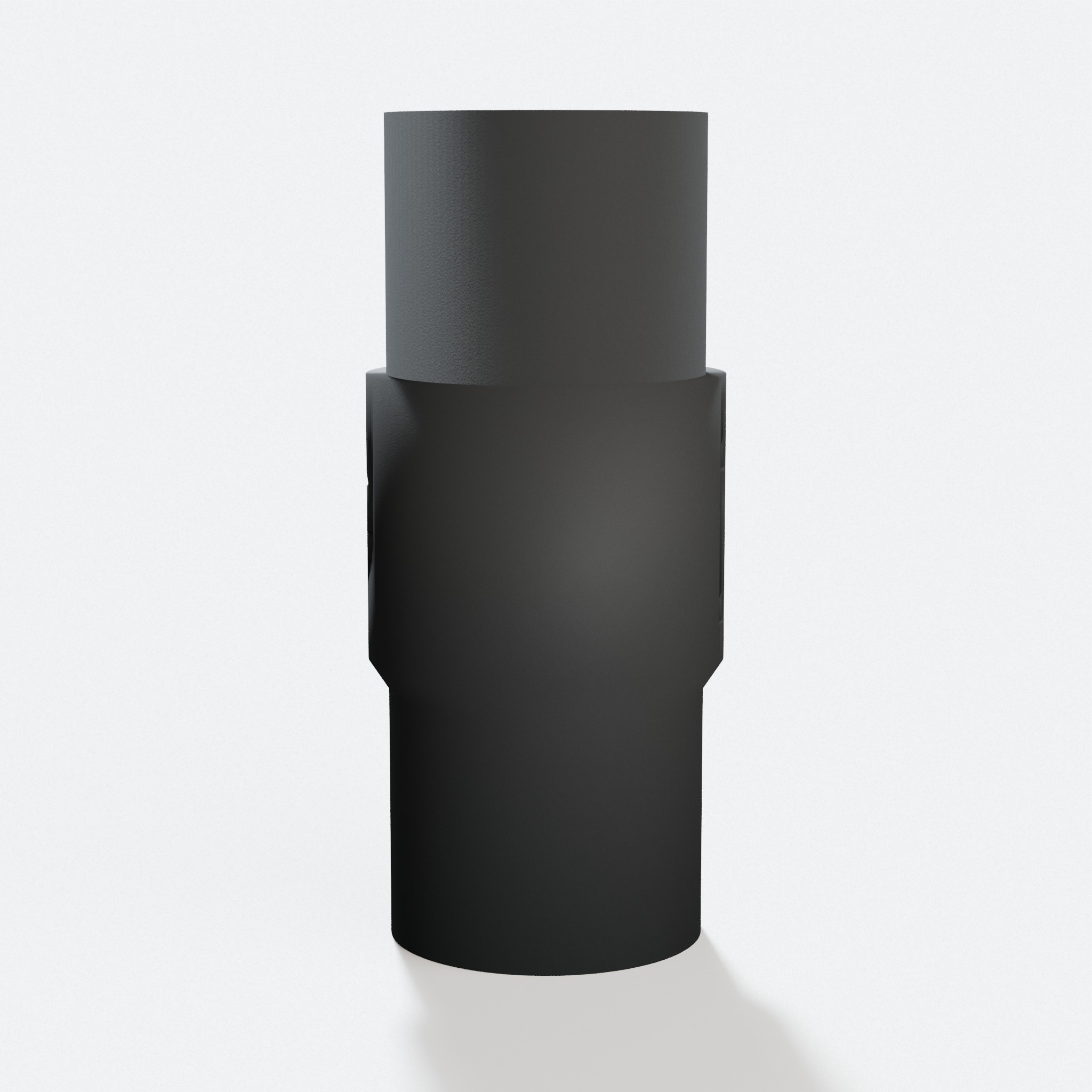
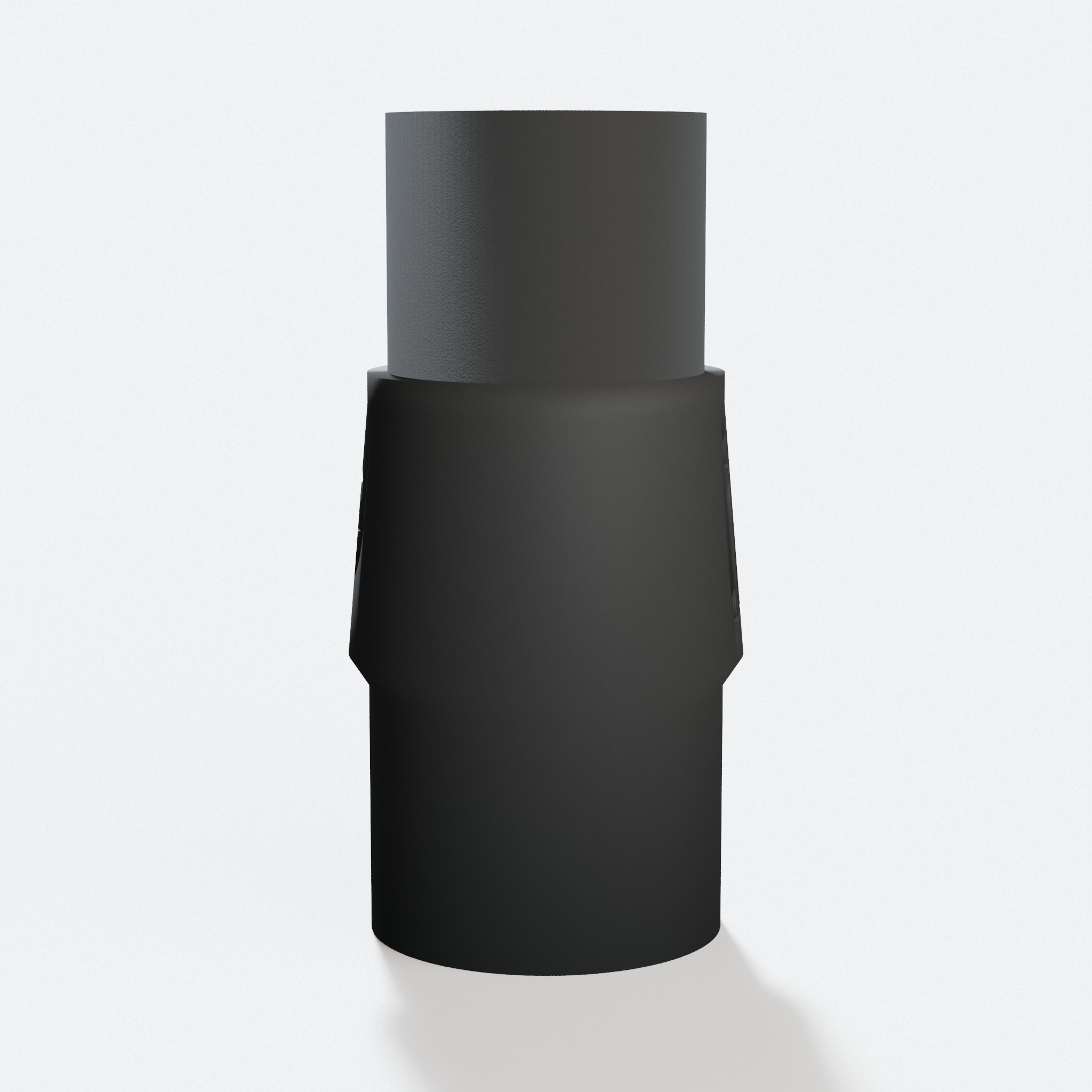
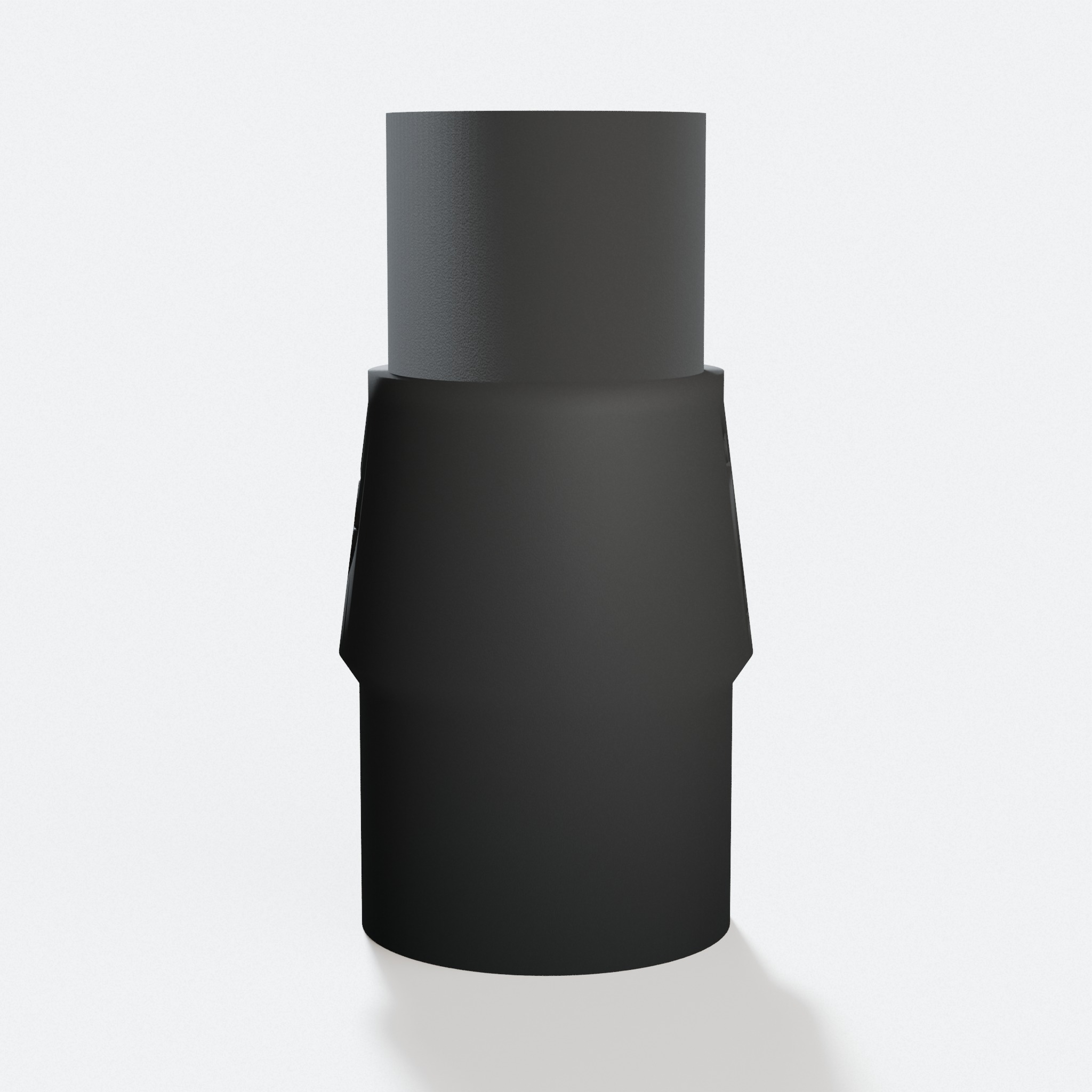
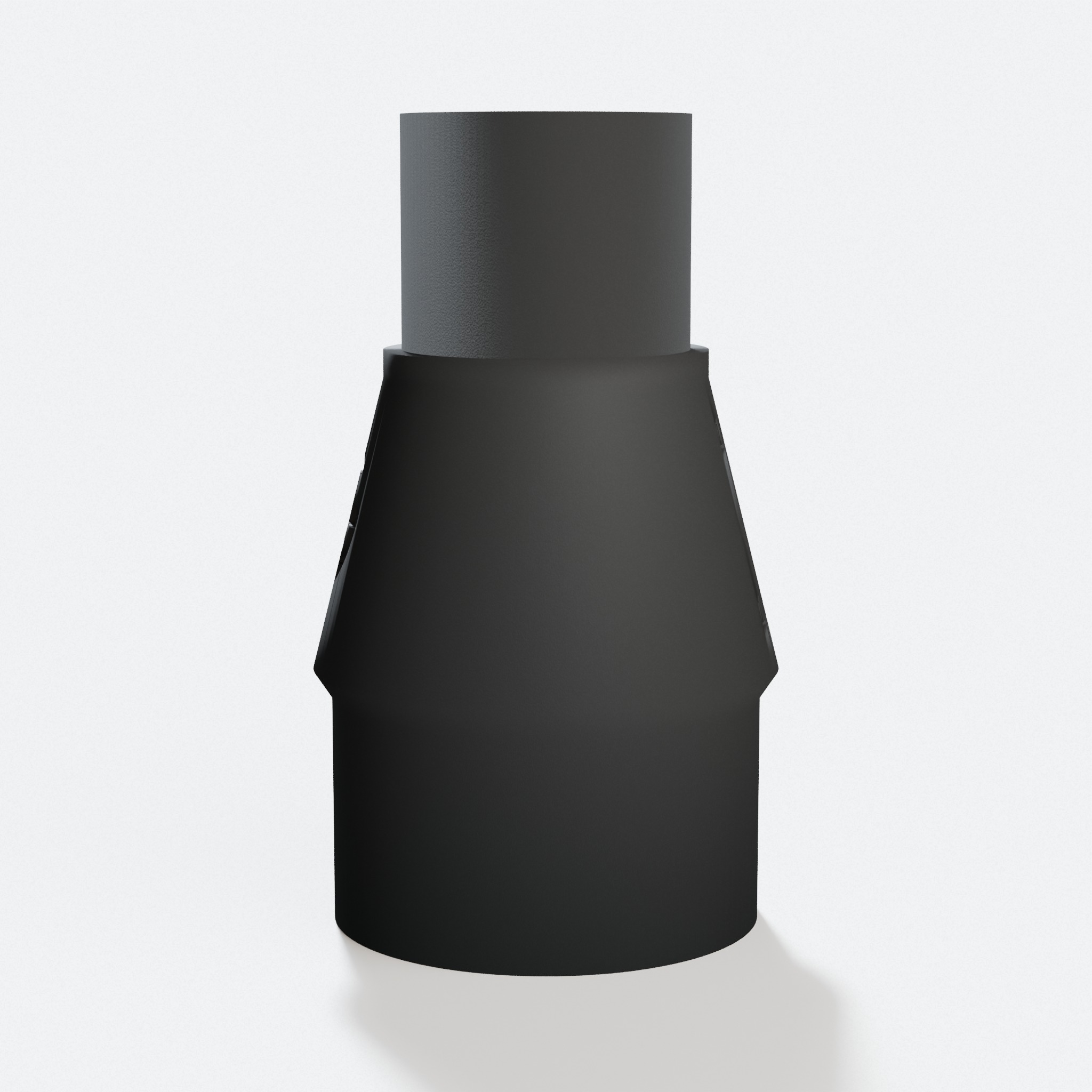
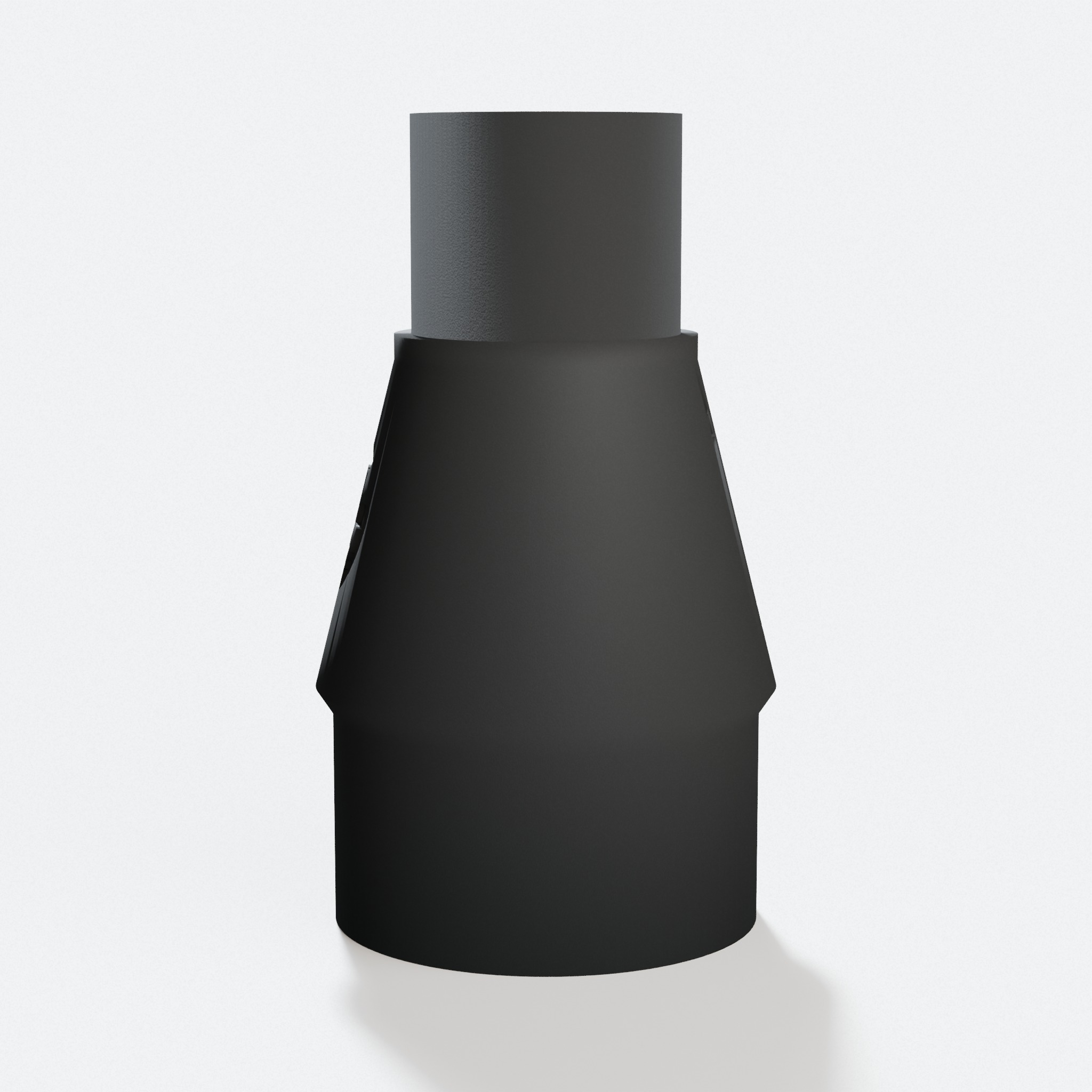
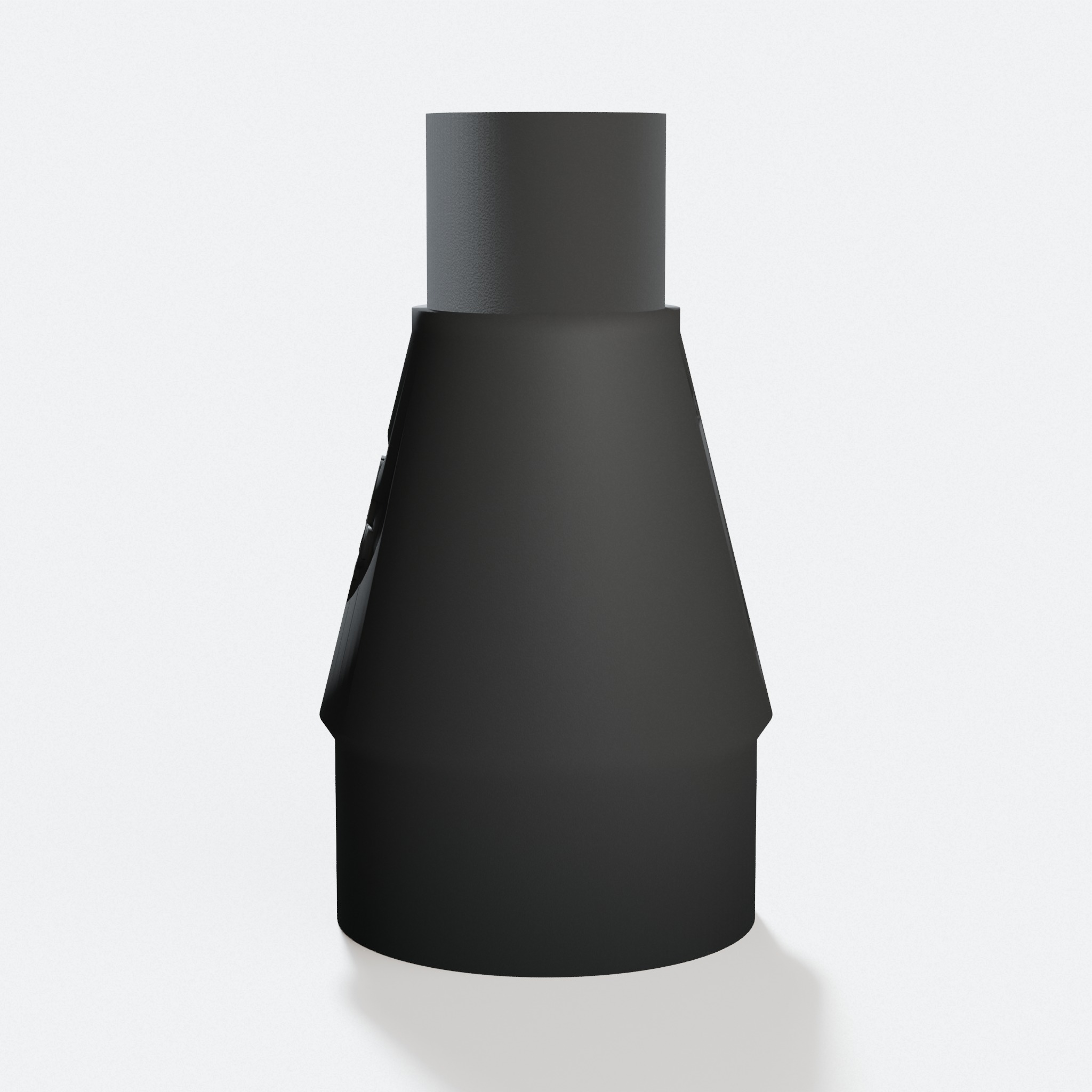
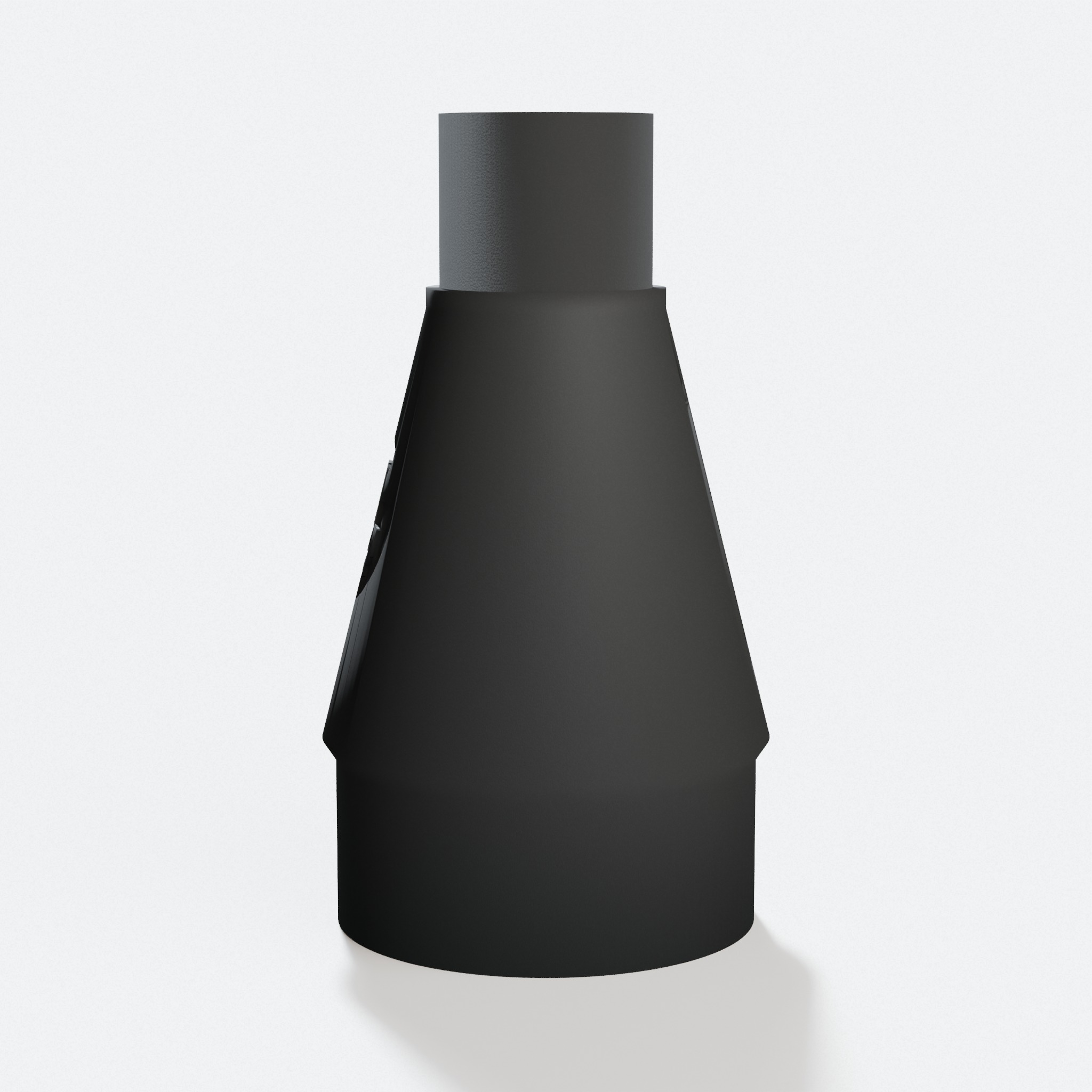
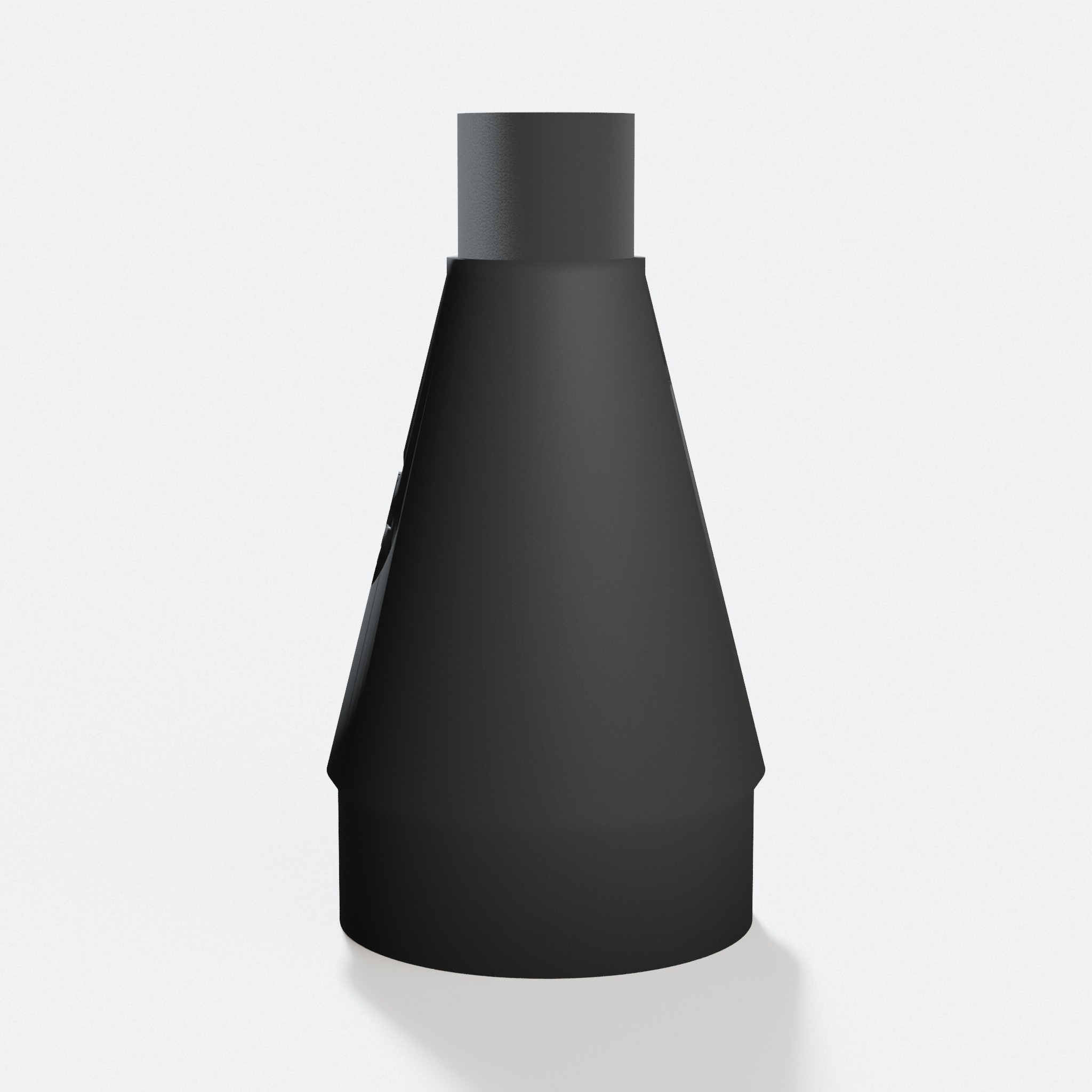
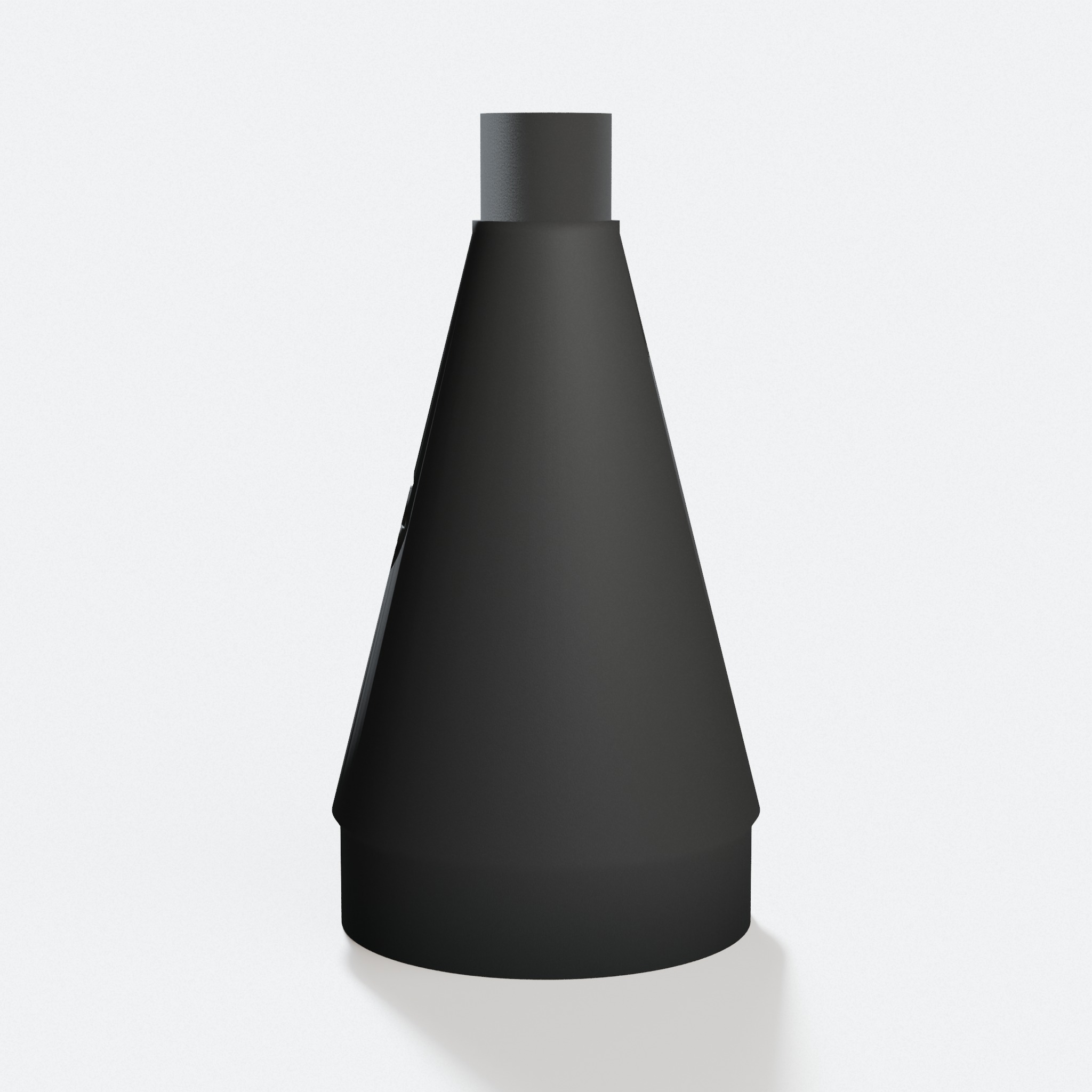
Popular vacuums & extractors
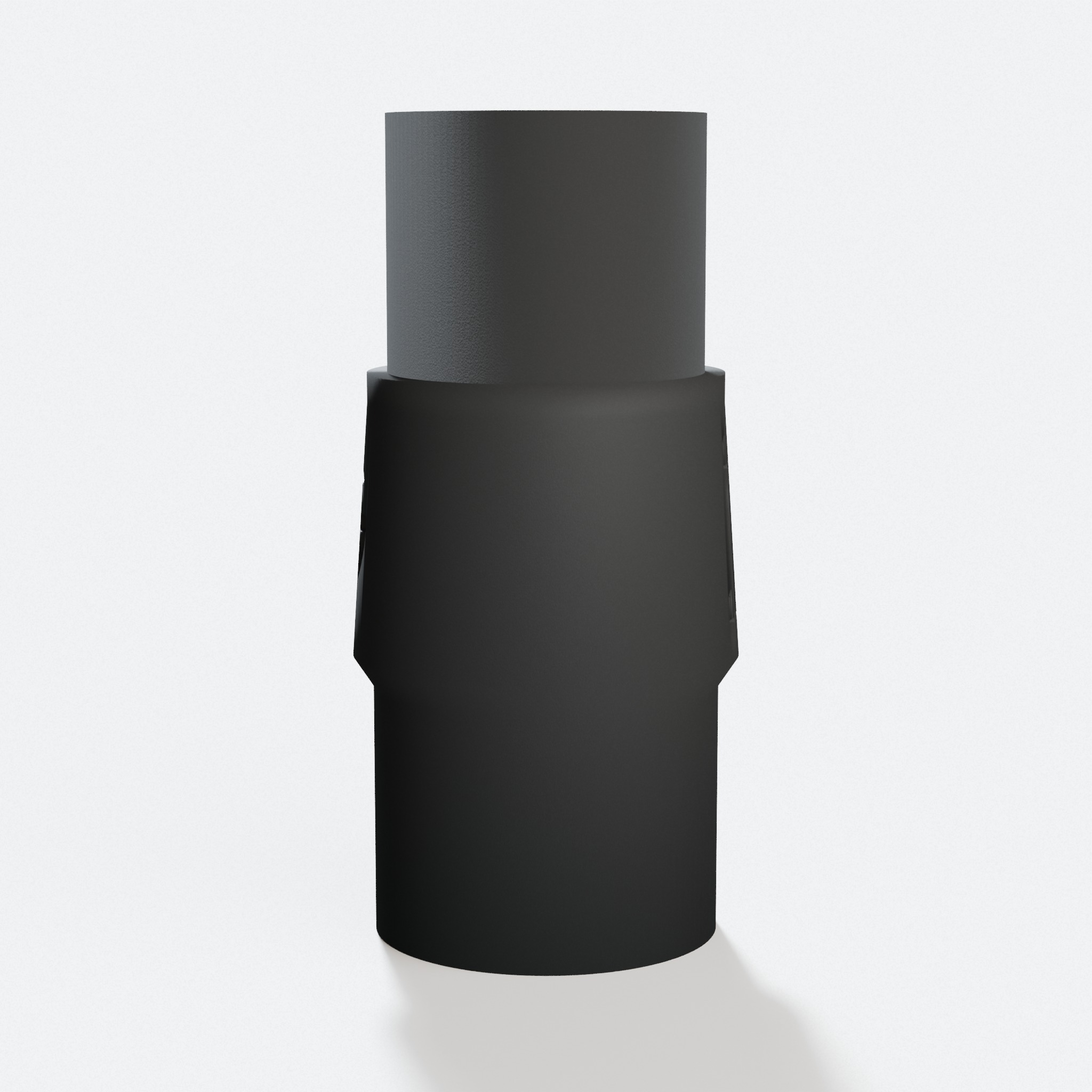
Not sure which size?
Full port and fit detail for this tool
The Craftsman CMCS550B is the Craftsman V20 Cordless 7-1/4 in. Circular Saw. The dust port is round and sits on the side. Our PETG adapter is made to fit it.
A circular saw throws chips and fine dust hard. Catching it at the port keeps your cut line visible and the bench clear. One end of the adapter grips the saw port. The other end takes your shop vac hose. It is a friction fit. No tape. No clamps.
Craftsman CMCS550B Specs
| Port shape | Round |
|---|---|
| Port location | Side |
| Connection type | Friction fit |
Craftsman CMCS550B Dust Port: What Fits It
The dust port on the CMCS550B is round and sits on the side of the saw, behind the blade guard. Our adapter is made to fit it.
Most shop vac hoses are 1-7/8 inch or 2-1/2 inch. Neither one fits a cordless saw port on its own, so dust blows past a taped hose instead of going in it.
A GulpDust adapter is printed to match the saw port on one end and your vac hose on the other end. Pick your hose and we make the part to match.
How to Connect a Shop Vac to the Craftsman CMCS550B
First, clear any dust out of the port. A clean port gives the best fit.
Press the tool end of the PETG adapter onto the port. It is a friction fit, so it holds with a firm push. Then press your shop vac hose onto the other end of the adapter. Turn the vac on before you start the cut.
Why a Cordless Circular Saw Still Needs a Hose
A cordless saw is easy to move around, so it often gets used indoors where dust has nowhere to go. The chips land on the floor and the fine stuff hangs in the air.
Pulling at the port catches most of it before it spreads. Your cut line stays visible, so the cut comes out straighter.
A short hose run keeps the saw easy to swing. Long, kinked hose cuts suction and drags on the tool.
Craftsman CMCS550B Dust Collection FAQ
Will a GulpDust adapter fit the Craftsman CMCS550B dust port?+
Yes. The port is round and sits on the side of the saw. Our adapter is printed to fit it, and the other end matches your shop vac hose.
Does the Craftsman CMCS550B work with a regular shop vac?+
Yes, with the right adapter. A standard shop vac hose is wider than the Craftsman dust port. The GulpDust PETG adapter fits the tool port on one end and your vac hose on the other.
Do I need clamps or tape to attach the adapter?+
No. The adapter is a friction fit. You push it onto the port and it holds. The same goes for the vac hose end.
Do you sell the design file?+
No. We sell the finished part. Each one is printed to order in PETG and ships from the US.